
Mouse & Keyboard
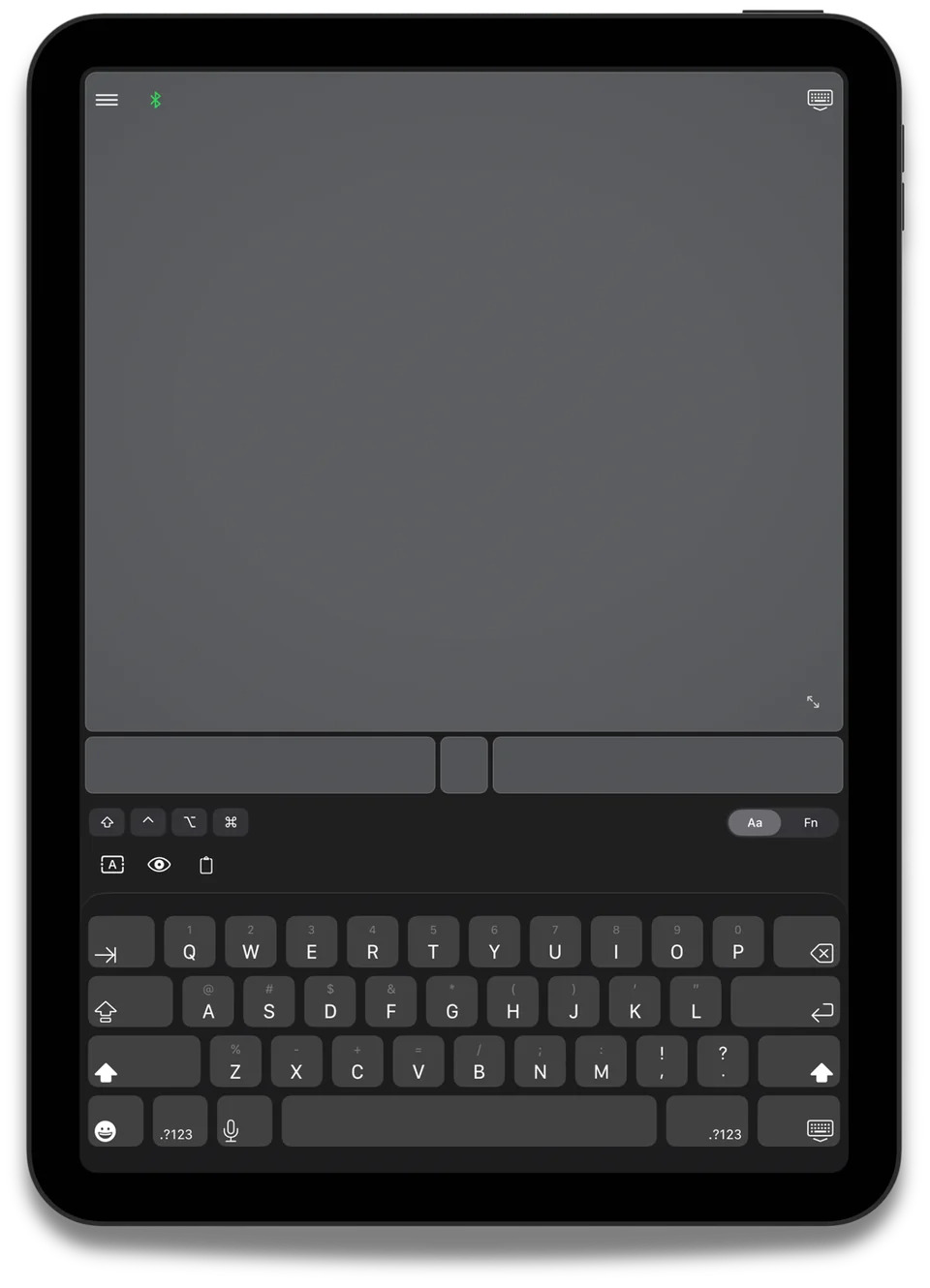
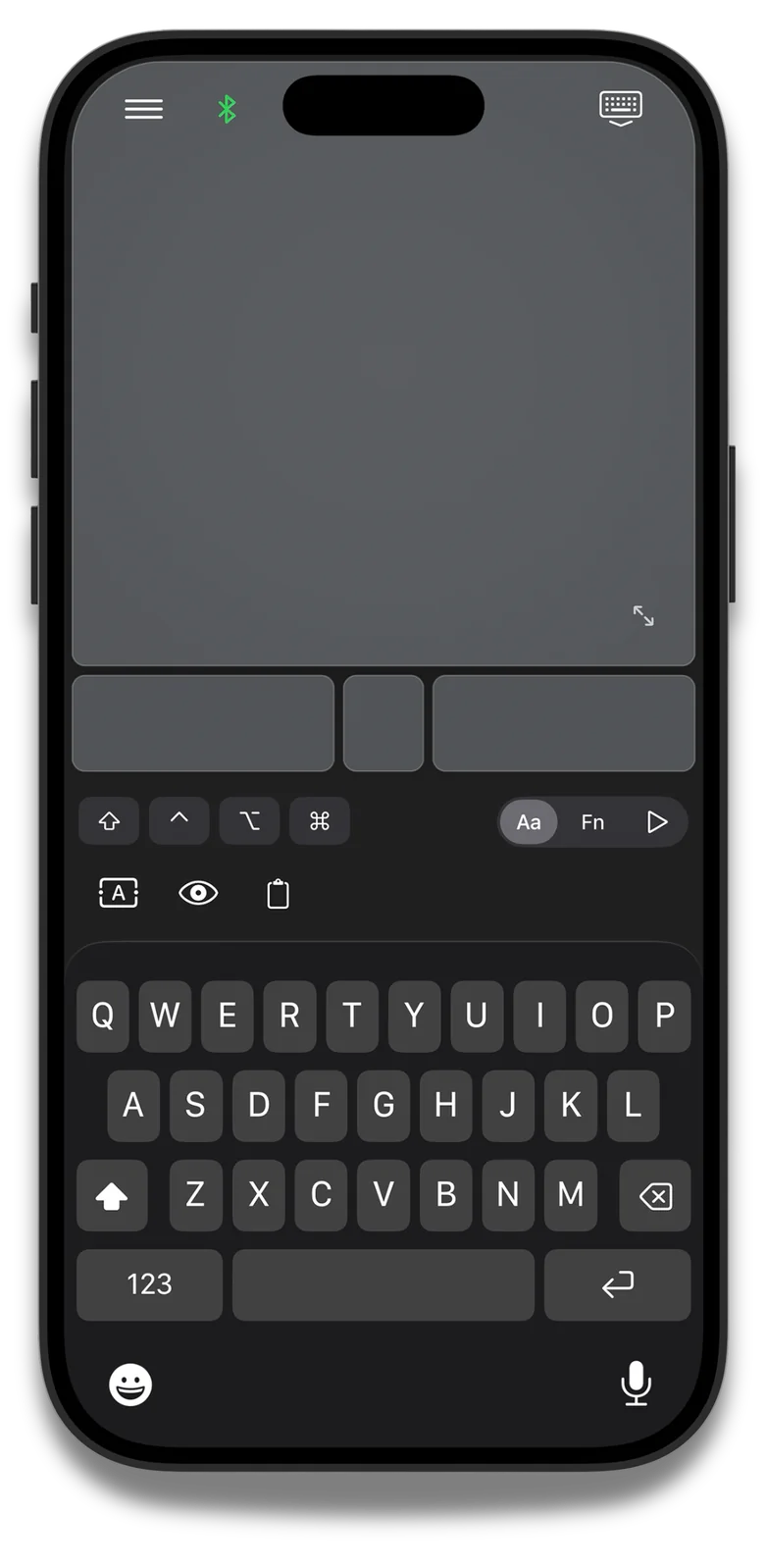
Full QWERTY keyboard
with modifier keys and
precise cursor control
Turn Your iOS device into a REAL USB Mouse & Keyboard
USB Dongle Required. No Desktop Server.
Mobile Mouse USB turns your iPhone, iPad, or
Apple Watch into a real USB mouse, keyboard,
and trackpad for compatible USB hosts. Unlike WiFi-
based remote apps, Mobile Mouse connects
directly via Bluetooth dongle that connects to
compatible hosts over USB —no companion software,
no network setup, and works completely
offline. Just open the app and you're
connected.

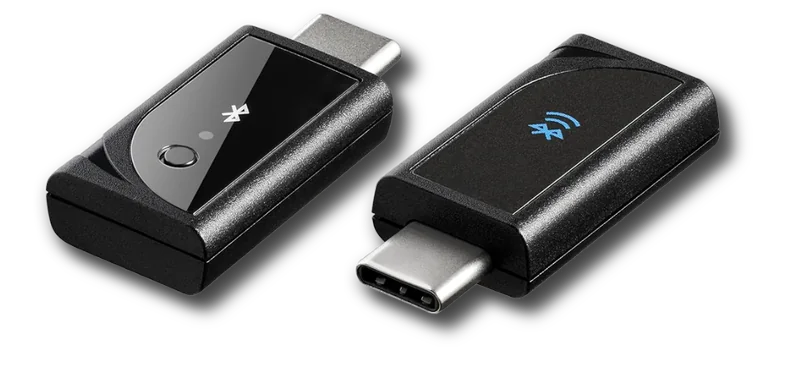
• USB dongle required

The Bluetooth USB-C dongle goes beyond just Apple
products, allowing you to control virtually ANY device that
supports a mouse & keyboard
After a simple pairing process, Mobile Mouse controls compatible USB
hosts through the dongle. Mac, Windows, Linux, Meta Quest,
Raspberry Pi, Android/Chrome Devices, many Smart TVs, game
consoles, and a lot more
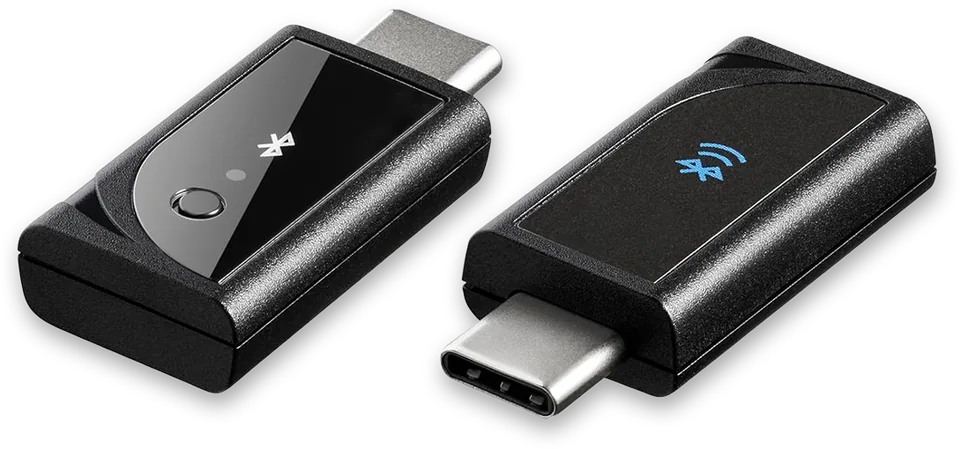
USB-C Mobile Mouse Dongle
Buy Now
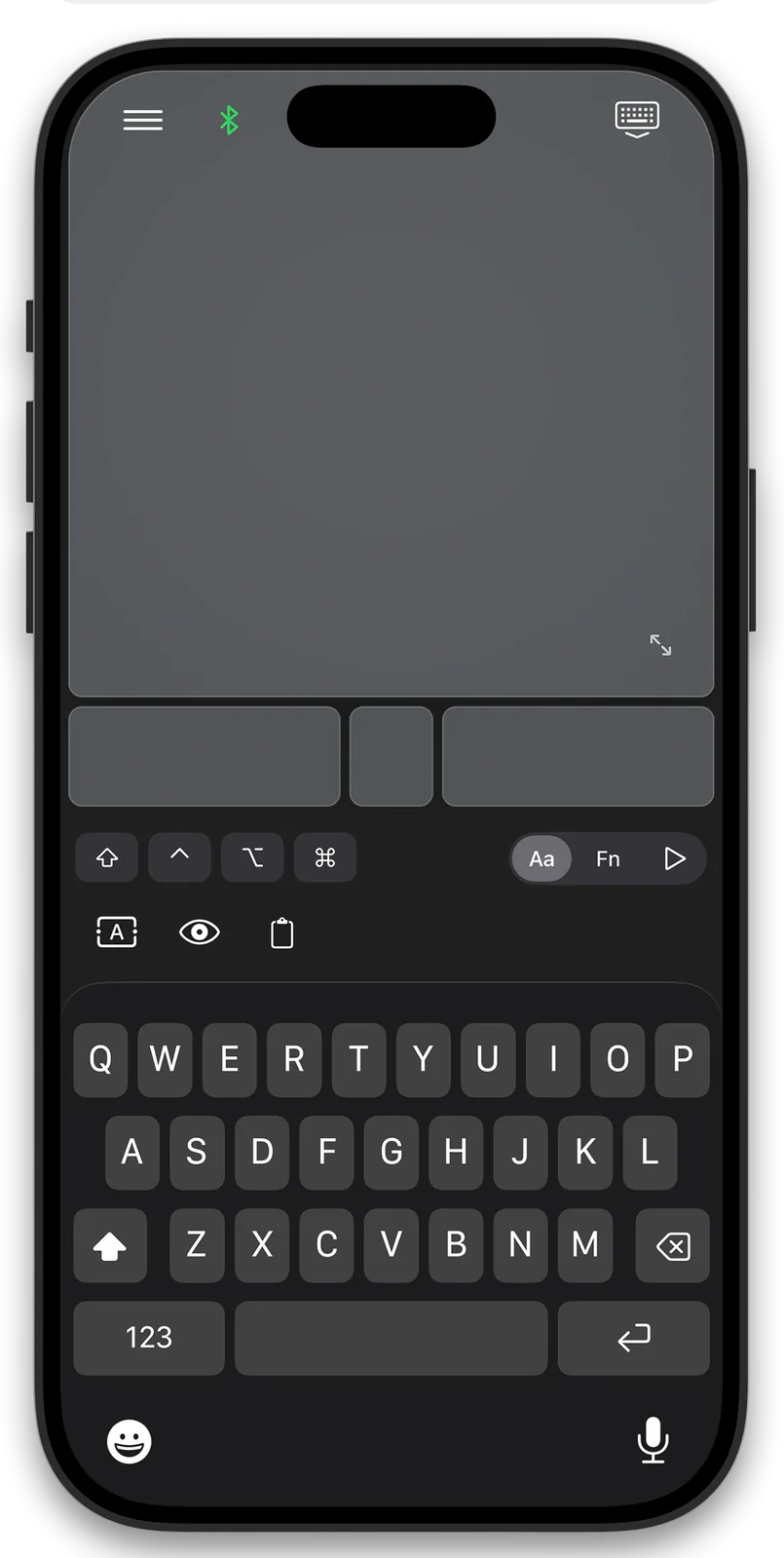
Full QWERTY keyboard
with modifier keys and
precise cursor control
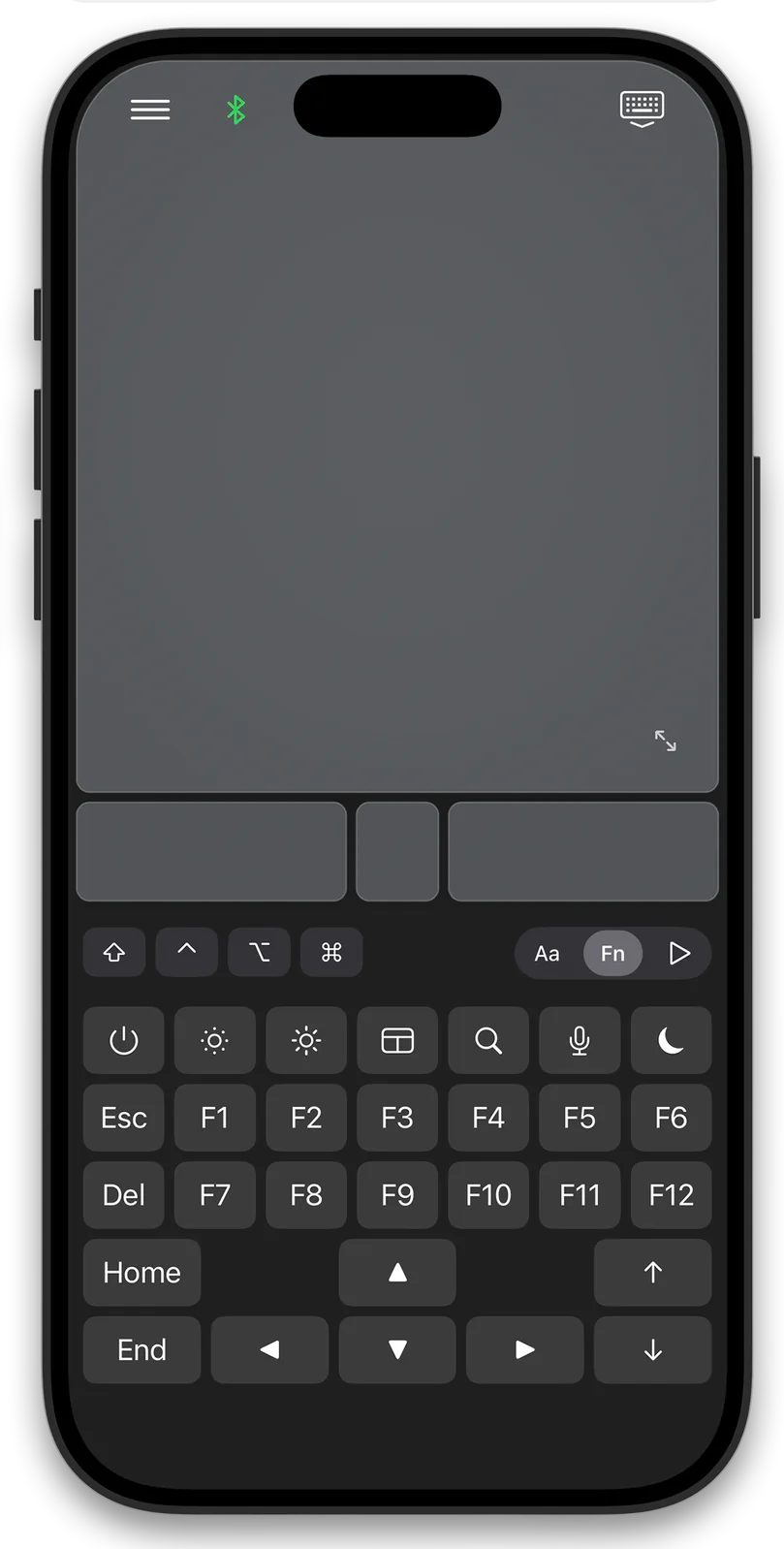
Access F1-F12, brightness,
volume, and system
controls instantly
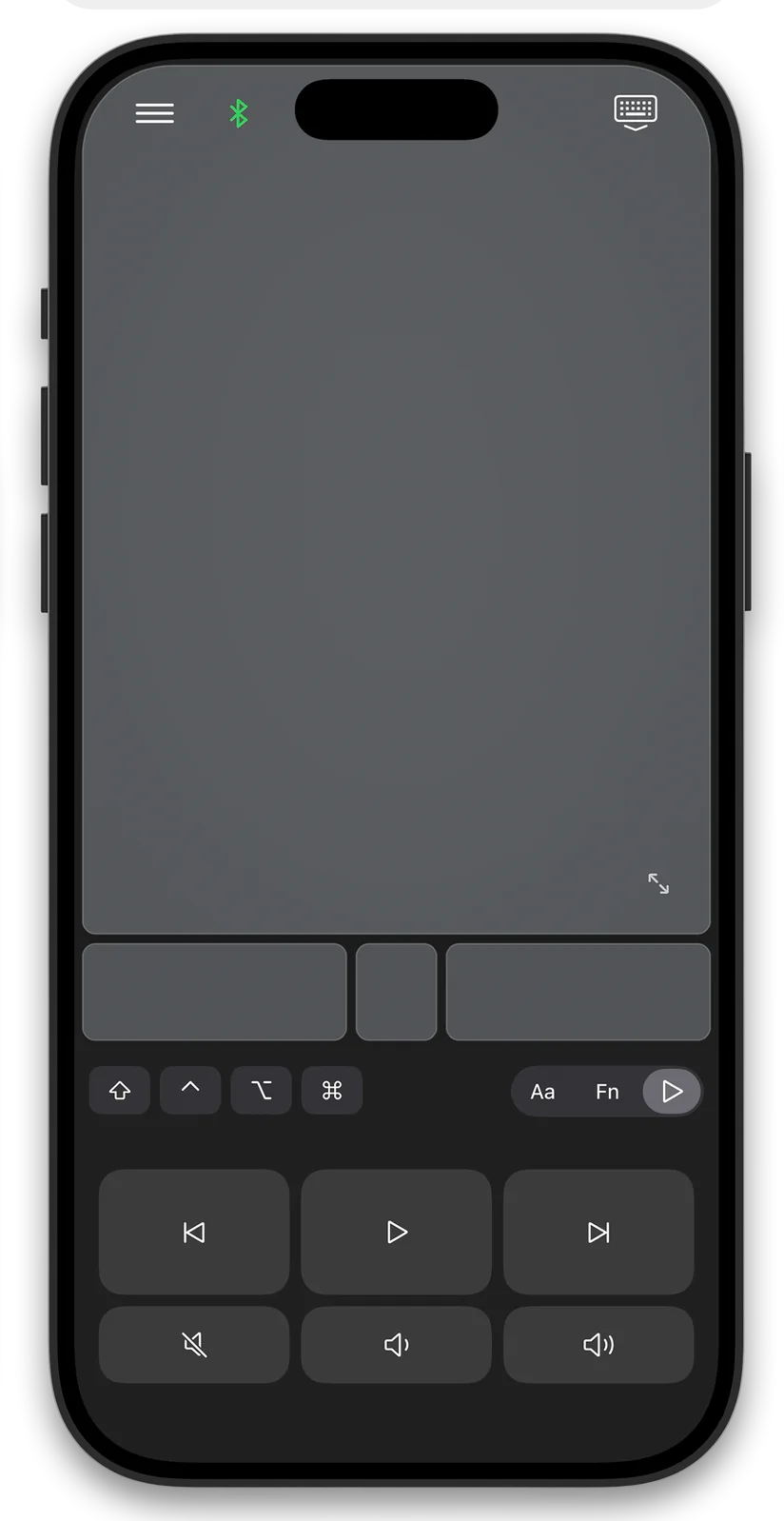
Play, pause, skip, and
control volume in supported
media apps
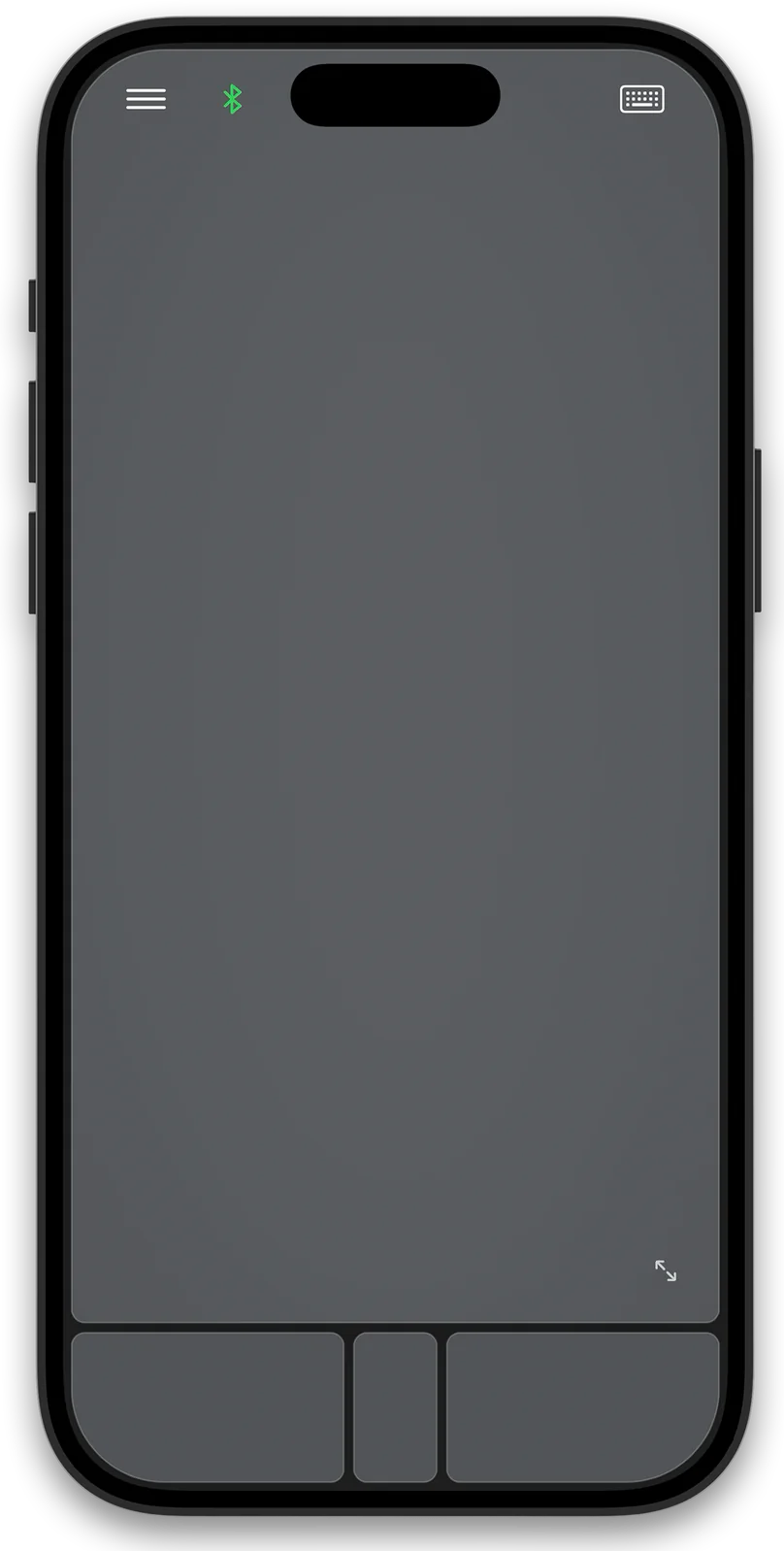
Swipe, scroll, pinch, and
gesture just like a Magic
Trackpad
Mobile Mouse USB connects your iPhone or iPad wirelessly to the Mobile Mouse USB dongle. Plug the dongle into a host that accepts USB mouse and keyboard input. This is not a USB cable connection from your phone to the computer.
Mobile Mouse Wi-Fi uses desktop server software on Mac or Windows for application-aware remotes, presentation controls and file browsing. Local control works on a shared network; internet access is not required for that connection.
Bluetooth and USB provide mouse and keyboard input without the desktop server. Choose by the device you want to control, the features you need, and whether you can install software.
Compare Wi-Fi, Bluetooth and USB →
Use your iPhone as a mouse for Mac
Use your iPhone as a mouse for Windows

Email: bluetooth@mobilemouse.com
Please reach out if you have any issues using the
app or any questions. Dongle setup help →

Good to know
Connection, compatibility, and getting started.
Yes. Mobile Mouse USB turns an iPhone into a USB HID mouse through the Mobile Mouse dongle, with no companion software or WiFi network required.
Yes. Mobile Mouse USB works offline through a direct Bluetooth connection to the USB dongle, with no internet connection required.
No. The app connects to the USB dongle over Bluetooth, and the dongle connects directly to the host device. No host downloads, servers, or background apps are required.
Mobile Mouse USB connects as a USB HID device through Bluetooth, while WiFi apps typically require both devices on the same network and companion software. Mobile Mouse USB works offline and can operate at the system level, including login screens and BIOS on supported devices.
Yes. Mobile Mouse USB can control compatible devices that accept standard USB mouse and keyboard input, including many computers, iPads, smart TVs, Meta Quest devices, and other USB hosts.
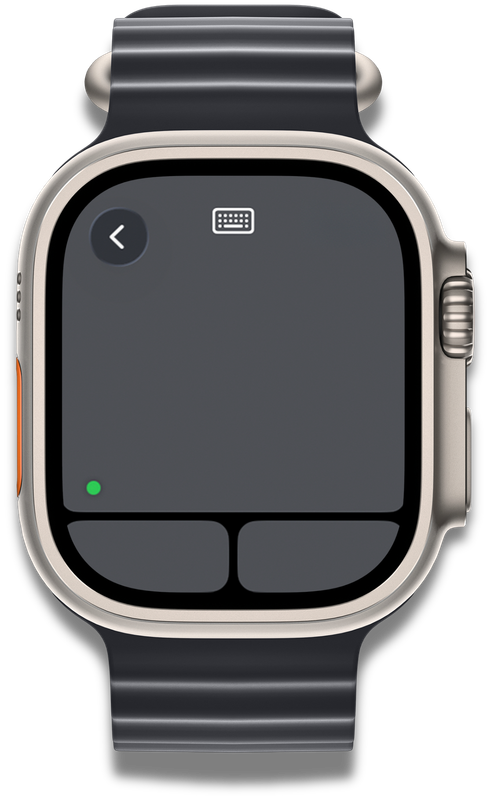
Yes. The included Apple Watch app provides simple remote control, including presentations and media.
Yes. The dongle functions as a standard USB keyboard and mouse with compatible Windows, Linux, Raspberry Pi, ChromeOS, Android, smart TV, Meta Quest, and other devices.
Yes. Keyboard input uses Bluetooth's built-in encryption, like a standard physical Bluetooth keyboard.
Yes. You can add and switch among an unlimited number of devices.
Need a hand? Open the setup guide