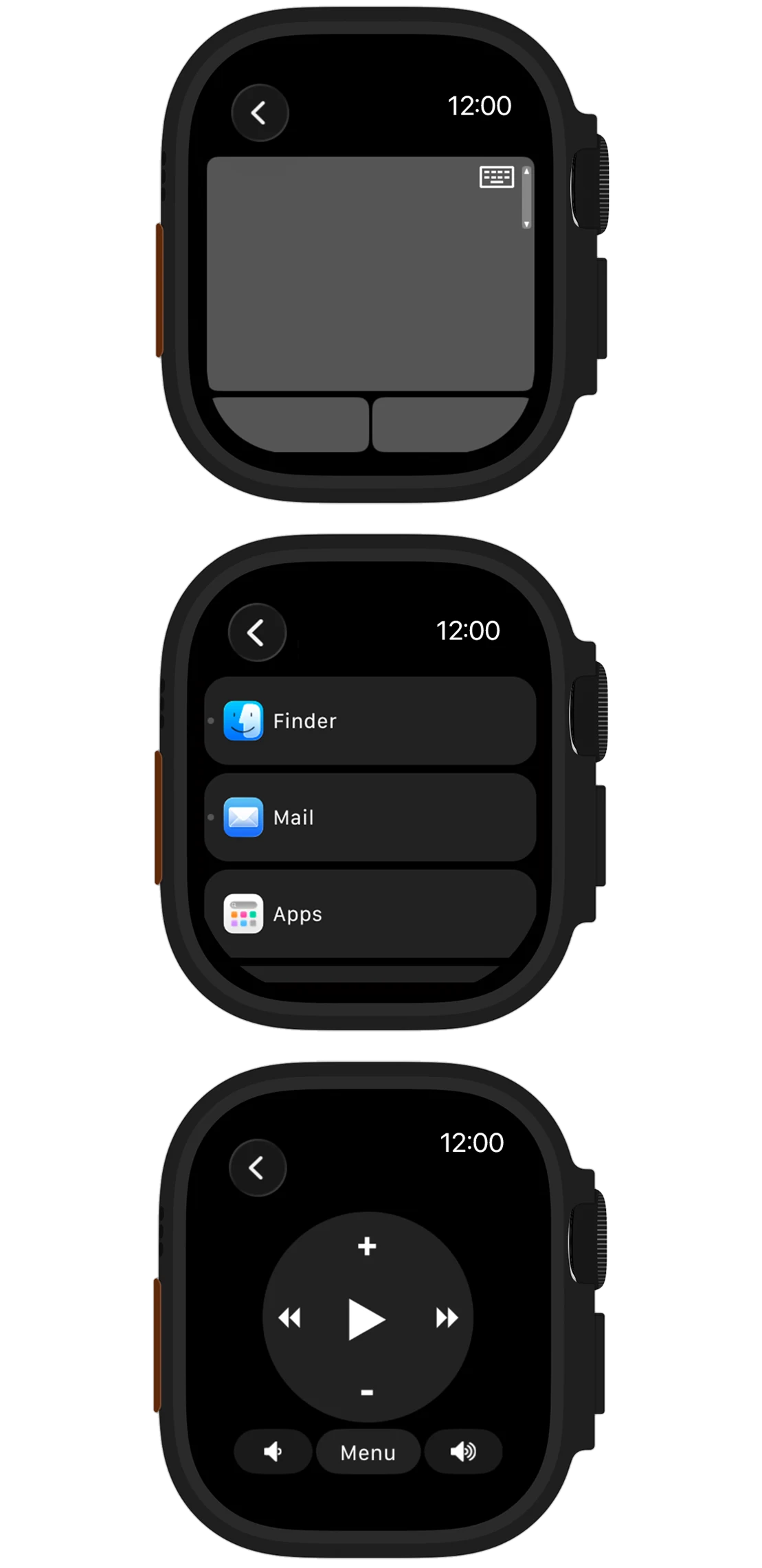
Choose the right version
The Wi-Fi version works with Mobile Mouse Server on Mac or Windows. The Bluetooth version includes Apple Watch control for compatible Mac and iPad devices. The USB version uses the Mobile Mouse dongle with a compatible USB host. Do not assume the Watch supports every target or every control available in the iPhone app.
For Mobile Mouse Bluetooth, the Watch app requires watchOS 11.5 or later. Check each app’s current App Store requirements before installing.
Start with a working connection
- Install the appropriate Mobile Mouse app on your paired iPhone and make its Watch app available on Apple Watch.
- Follow that version’s setup instructions and confirm that you can control the target device.
- Open Mobile Mouse on Apple Watch and select the available computer or device.
- Test pointer or media controls while the target device is awake.
For the Wi-Fi version, keep Mobile Mouse Server running and follow the Apple Watch setup notes. For Bluetooth, use the Bluetooth connection guide.
A useful companion for simple tasks
Use the Watch for quick adjustments when your phone is in a pocket: move the pointer, switch an application or adjust playback using the controls available in your version. For longer typing, precise pointer work or detailed custom remotes, use the iPhone or iPad interface.
If your device is unavailable
Check that you installed the Watch companion for the correct Mobile Mouse version. Wake the computer or iPad and verify the connection from the phone. For Wi-Fi, check the server and network; for Bluetooth, stay in range and check pairing. Include the Watch model, watchOS version, app version and target device when contacting support.
Find your connection.
See what each version needs, then follow the setup for your device.
Compare versions Get connection help →